
 Decoration & Art
 Interior & Furniture
 Blocks & Slabs & Stair
 Exterior & Architectural
 Characters & Creatures
 Nature & Plant
 Environment & Places
 Devices & Equipment
 Animals & Pets
 Science & Technology
 Weapon & Military
 Industrial
 Food & Drink
 Cars & Vehicles
 BDEngine Template
 Aircraft
 Watercraft
 Toys & Plushies
 Cosmetics & Accessories
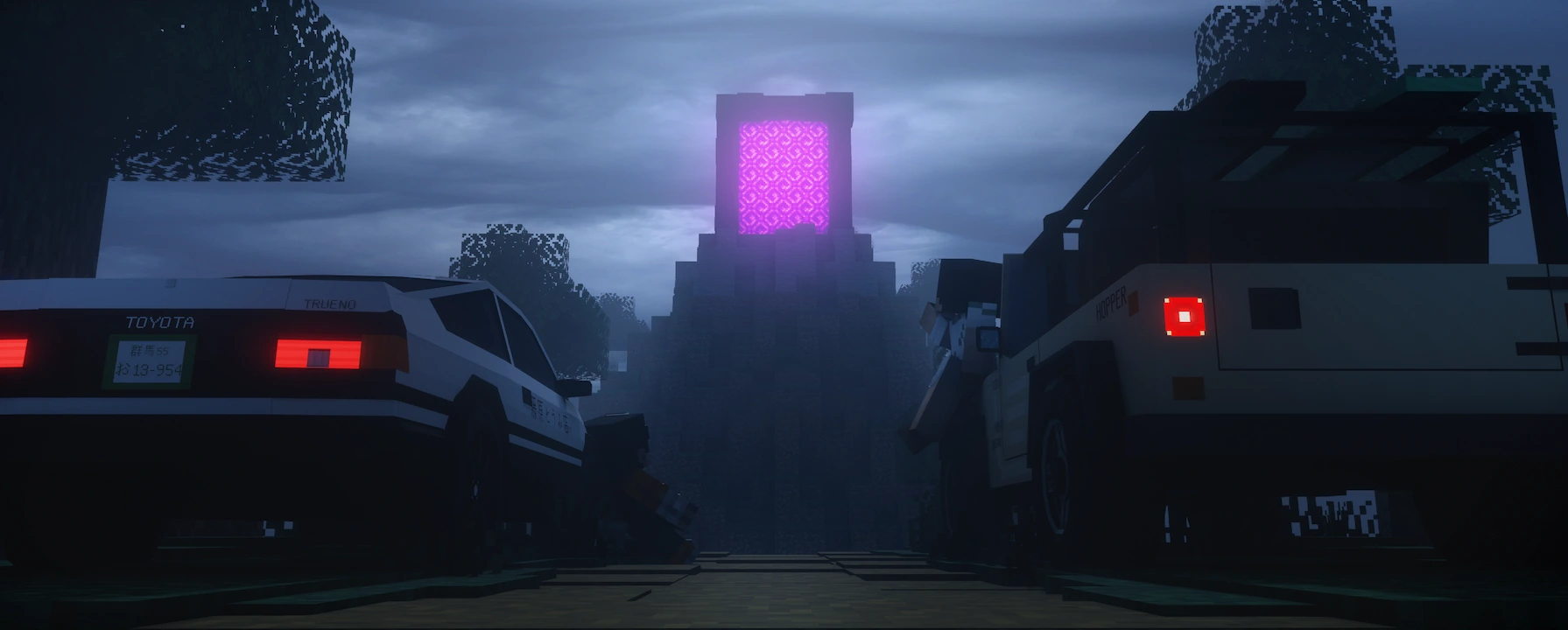
Authors on the cover: The authors of the models on the cover: Aligarg2008lx and illystray
Added
- Chinese translation added (provided by TWME on Crowdin https://crowdin.com/project/bdengine)
- Loop control in the timeline
- Nested groups in the timeline, with collapsible support
- Timeline split into groups and headers
Changes
- Bug fixes
- Improved synchronization between the video reference and the timeline
Authors on the cover: The authors of the models on the cover: Aligarg2008lx and illystray
New Features
- Physics simulation for baking into animation, with configurable collision, friction, bounce, and kinematic damping properties
- Added Russian language support (translation still in progress)
- Import of litematics, schematics, and structures
Changes
- Various bug fixes
- Major Animator Timeline optimization
- Heads now participate in instanced rendering (optimization)
- Autosave no longer triggers while the timeline is playing and is now deferred until playback stops
- Updated light source handling in RT rendering
- Added camera roll to Screenshot mode
- The camera can now be rotated during animation if it does not have its own animation
- Project names in any language other than English are automatically converted to English during export
New Features
- Auto Save — projects are now saved automatically in the background to help prevent progress loss.
- Immersion Mode — build and model in a first-person style, similar to Minecraft.
- Share Party — join a public server or create a private room directly in BDEngine to chat, showcase models, or build together.
- Hitbox Mode — a new mode for creating collision hitboxes for models.
- Functions Mode — create your own datapack functions with built-in syntax hinting.
- Minecraft Server Export — a new export option for Minecraft servers, allowing plugins to access a model or even the full project directly on your server.
Changes
- Improved confirmation for unsaved changes.
- Major render optimization with mesh instancing.
- Reworked export window with model-only or full-project export options.
- Export commands are now split into categories: Basic, Animations, Sounds, and Functions.
- Optimized scene element list updates.
- Faster project loading and head texture application.
- Home screen optimized for smaller displays.
- Previous session can now also be restored via Project File.
- All side panels can now be collapsed.
- Transform panel now includes Custom Pivot group controls, plus quick reset and center pivot buttons.
- Block and item icons are now packed into a single texture atlas instead of thousands of separate images.
- Screenshots now have a copy-to-clipboard button.
- Fixed async plugin loading issues.
- Various bug fixes and improvements.
Authors on the cover: The authors of the models on the cover: Aligarg2008lx and illystray
- New Camera Mode - Free Fly. Allows you to move around the scene with WASD and look around in a first-person style. Located in the right-click context menu
- Camera Animation - place the camera where you need it, then click the camera icon next to the timeline time. Moving the timeline while holding CTRL moves the camera the same way as during normal animation playback.
- Tracking Camera - turn your WebXR-supported smartphone into a virtual camera for your cutscenes and animations!
Open the new item in the dockbar’s extra menu and go to Tracking Camera. Scan the QR code with your phone, enter the one-time code into BDE, and press Start tracking! Start recording camera movement from your phone, stop it, and re-record the parts you need on the timeline.
- Camera Path Rendering.Found in the right-click context menu.
- LiteUI Mode - disables UI blur and transparency effects for low-end devices. Located in Settings > LiteUI Mode.
- Offline ModeIf you have launched the editor at least once, then with a very slow connection or no internet at all, the editor will still launch, even in a browser.
- Plugin SystemYou can now write your own JS plugins to expand BDE, add new features, new export options, or even completely transform the editor.
https://block-display.com/plugin-documentation/
Note: due to the nature of the game, smooth camera movement works best on 1.21.2 and above; below that it may be slightly jittery.
Changes:
- Exporter updated to 1.21.11
- Editor content updated to 1.21.11
- Visual UI improvements
- Various bug fixes and patches
Authors on the cover: The authors of the models on the cover: Aligarg2008lx and illystray
New feature Video Reference, similar to Image Reference – allows you to upload a video reference, and in Animator mode synchronizes with the timeline for frame-by-frame accuracy
Changes:
- Optimization of Block and Item displays: objects without transparency now render without it, increasing FPS
- Optimization of PlayerHead: heads without a second layer texture automatically disable its rendering, improving FPS
- In "Create ready-made heads," only unique textures are sent to the server, avoiding duplicates
- If PlayerHead has no texture on the second layer, that layer skips clicks, preventing overlap issues
- In Animator mode, the Dock panel no longer disappears, keeping access to Image Reference and Video Reference
- Sound preloading is now parallel instead of sequential, speeding up loading of all project sounds
- Fixed a bug where sound didn’t play on frame 1
- Fixed a bug where one empty SoundList skipped loading all project sounds
- Fixed additional issues with SoundList processing
- Piano Roll redesigned to match Note Block’s 25-note system
Authors on the cover: The authors of the models on the cover: Raspiral, t33th_ch4n, Cymaera, SenaxP4360f, @promej, F0X_jL and illystray
Changes
- Now, through HeadCreator, you can import large textures directly onto the second layer of heads
Authors on the cover: The authors of the models on the cover: Raspiral, t33th_ch4n, Cymaera, SenaxP4360f, @promej, F0X_jL and illystray
New features
- Meet the new editing mode - Sound!Now you can create music tracks, sound effects for animations, ambient sounds, and anything else using Minecraft sounds. And it’s still completely vanilla, working through /playsound.
- You can now replace all objects inside a group if you select the group and then choose a new object while holding Shift.
Changes
- Updating the properties of a large number of objects at once no longer causes freezing.
- Many small improvements, bug fixes, and optimizations.
New features
- Added a new type of player model generation from heads - a player with bend
- When you select a generic player model, in Animator mode - a new model generation section is available to you, where you can find importing an emotion from the EmoteCraft mod
Changes
- Bug fixes
Authors on the cover: The authors of the models on the cover: Aligarg2008lx and illystray
Changes
- Blockstates update for Creaking Hearts
- Items that can be animated in the animator now have a colored clock icon next to them so you can distinguish between animated properties
- Sidebar list saves scroll when properties are updated
- Scene object list saves scrolling when properties are updated
- The Saved TextureValue list in the head properties saves scrolling on refresh
- Saved TextureValue list marks which texture from the list is the current one
- Changed some item icons to match the content
- New Ambience editor sound
- New UI sound
- Ambience sound now does not hijack the audio controls on the computer (e.g. media buttons on the keyboard)
- In the last panel on the side, with the editor settings buttons, added a button to quickly mut the Ambience sound
Authors on the cover: The authors of the models on the cover: Aligarg2008lx and illystray
New
- Added Datapack Dev Mode option in the export window: Allows you to select a datapack folder in your world and when exporting - immediately quickly update the content without downloading a new zip datapack. Handy for quick testing, when the datapack is just updated and you have to enter the /reload command
- Ability to select the length of the timeline
Bug fixes:
- Model displacement with animation when spawning
- Inverted animation
- Resetting current timeline time didn't work
Changes
- Added content from 1.21.7
- Updated the texture of the summon eggs
- Fixes Item Display export, there were differences in some versions of Minecraft
- Fix rendering errors
- Small render optimization
Authors on the cover: The authors of the models on the cover: Aligarg2008lx and illystray
New features
- You can now use reference images, on top of the BDE. You will find a new button in the upper dock bar, next to HeadCreator and Screenshot.
Changes
- Models now support uvlock from the game.
- Fixed positions and rotations of different "Display" modes of Item Displays. (e.g. Ground, Fixed and others...).
- Various bug fixes.
Authors on the cover: The authors of the models on the cover: Aligarg2008lx and illystray